
/ Products / PHAENON XD mini
PHAENON XD mini
Small high-end color laser projectors for professional applications

PHAENON XD mini

Small high-end color laser projectors for professional applications

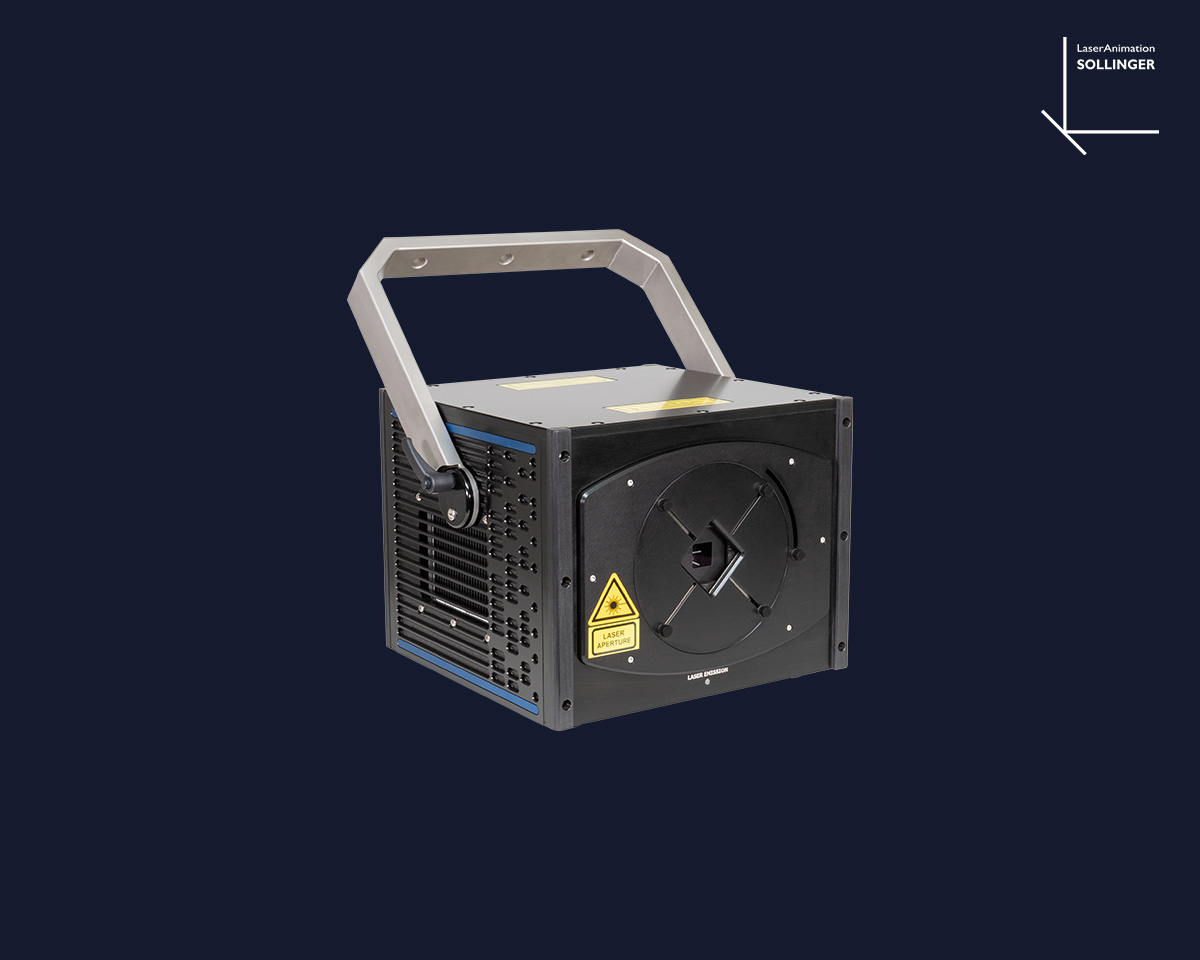
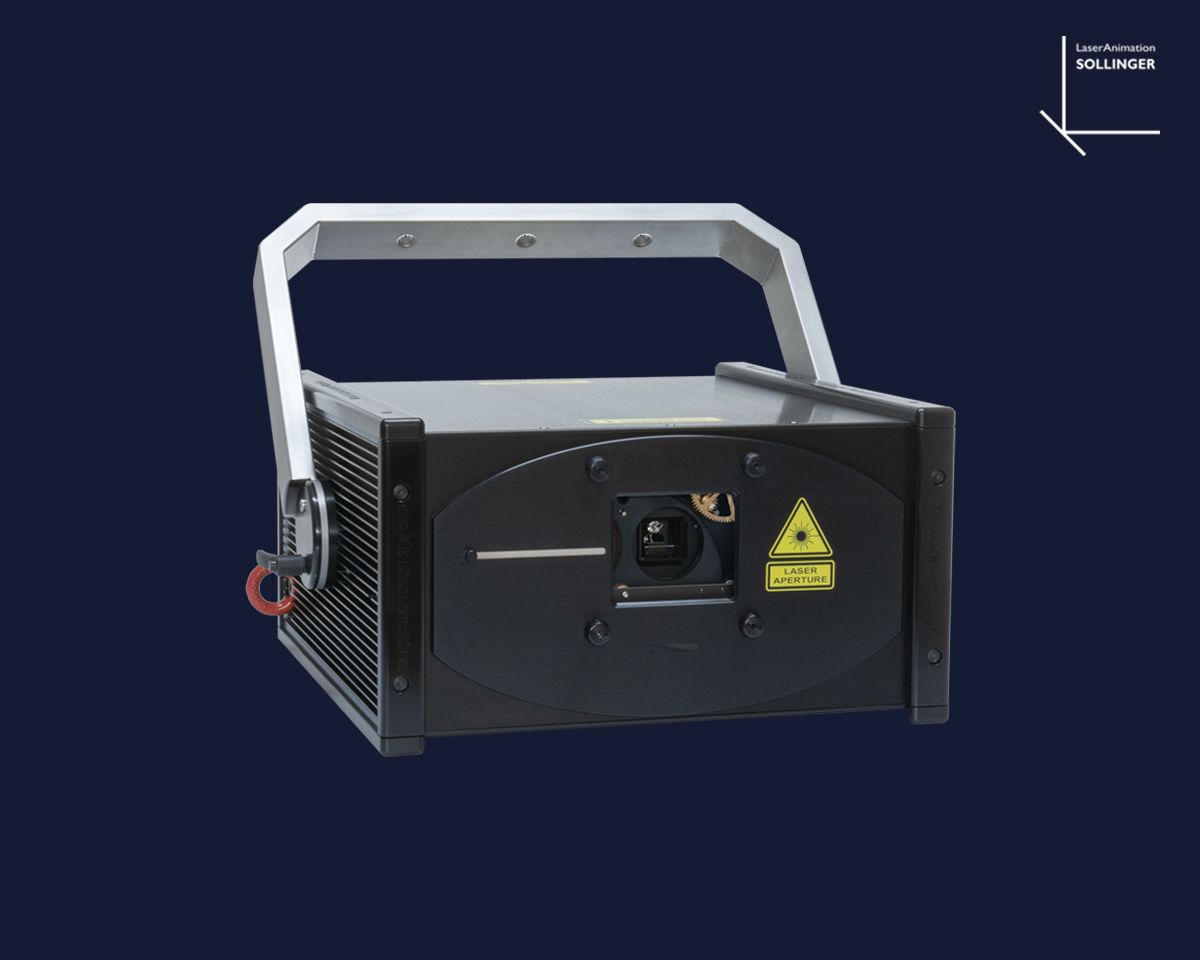
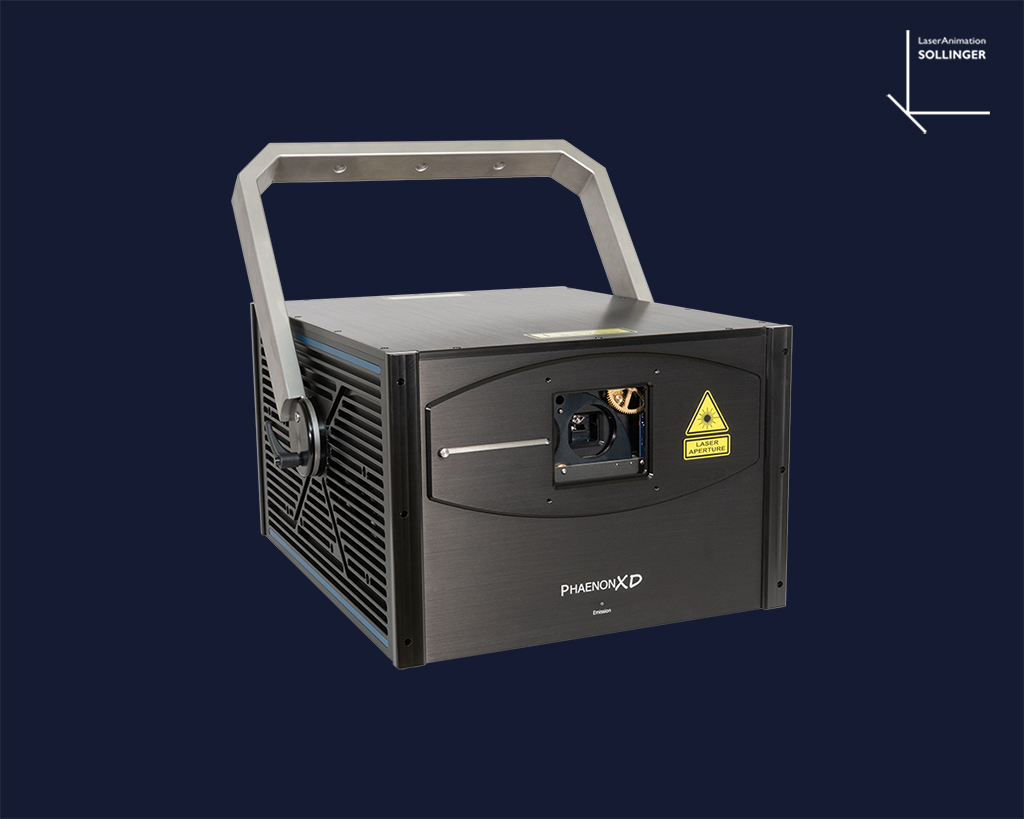
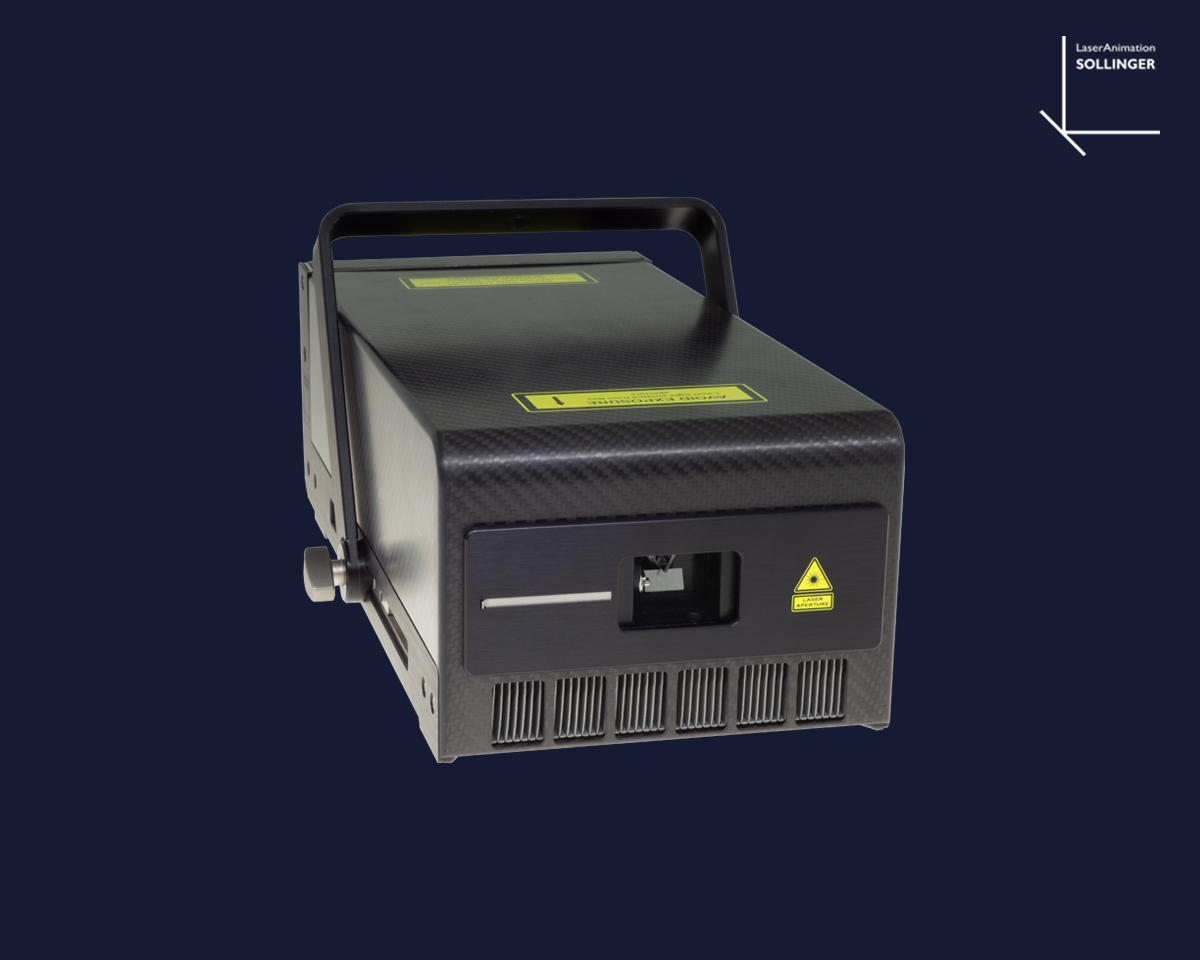
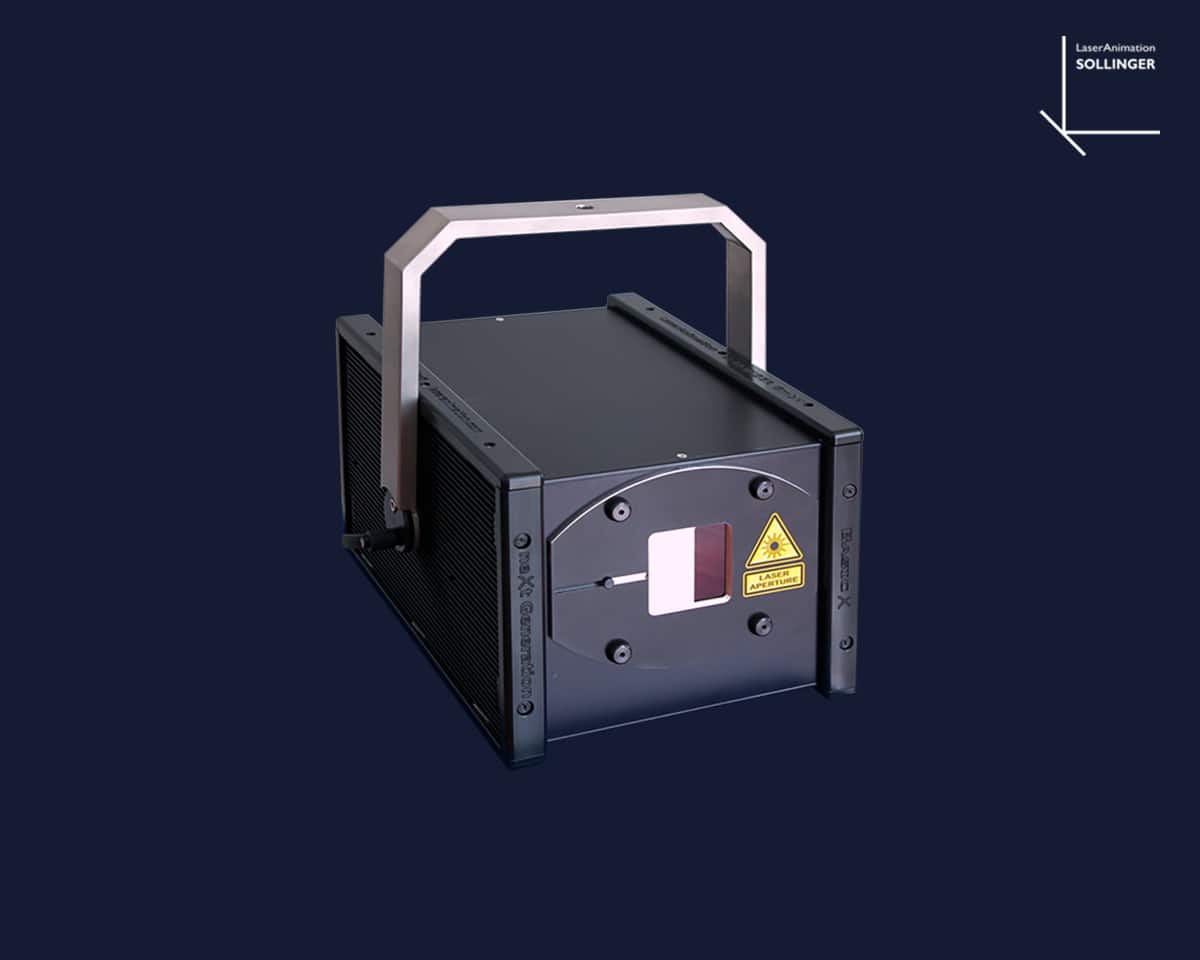
The PHAENON XD mini series devices are high-end color laser projectors for professional use, with guaranteed optical outputs ranging from 19.5 to 45 watts and minimum output power at the aperture ranging from 17 to 41 watts (model-dependent). The PHAENON XD mini series comprises the PHAENON XD 18 and PHAENON XD 44 Y models, which differ in output power and color spectrum and are therefore suited to different application areas.


A modular laser system by LaserAnimation is integrated, combining laser diode modules in red, green and blue, with the PHAENON XD 44 Y additionally featuring a yellow Genesis Taipan OPSL laser source.


All laser colors are combined into a single, high-intensity focused beam.


The operating temperature and current parameters specified by the laser source manufacturers are strictly adhered to in order to maximize their lifespan. High-quality optical components for beam shaping, beam combination and focusing, along with their expert arrangement and setup, guarantee a sharp, precise beam with a homogeneous beam profile and low divergence, even over longer distances.


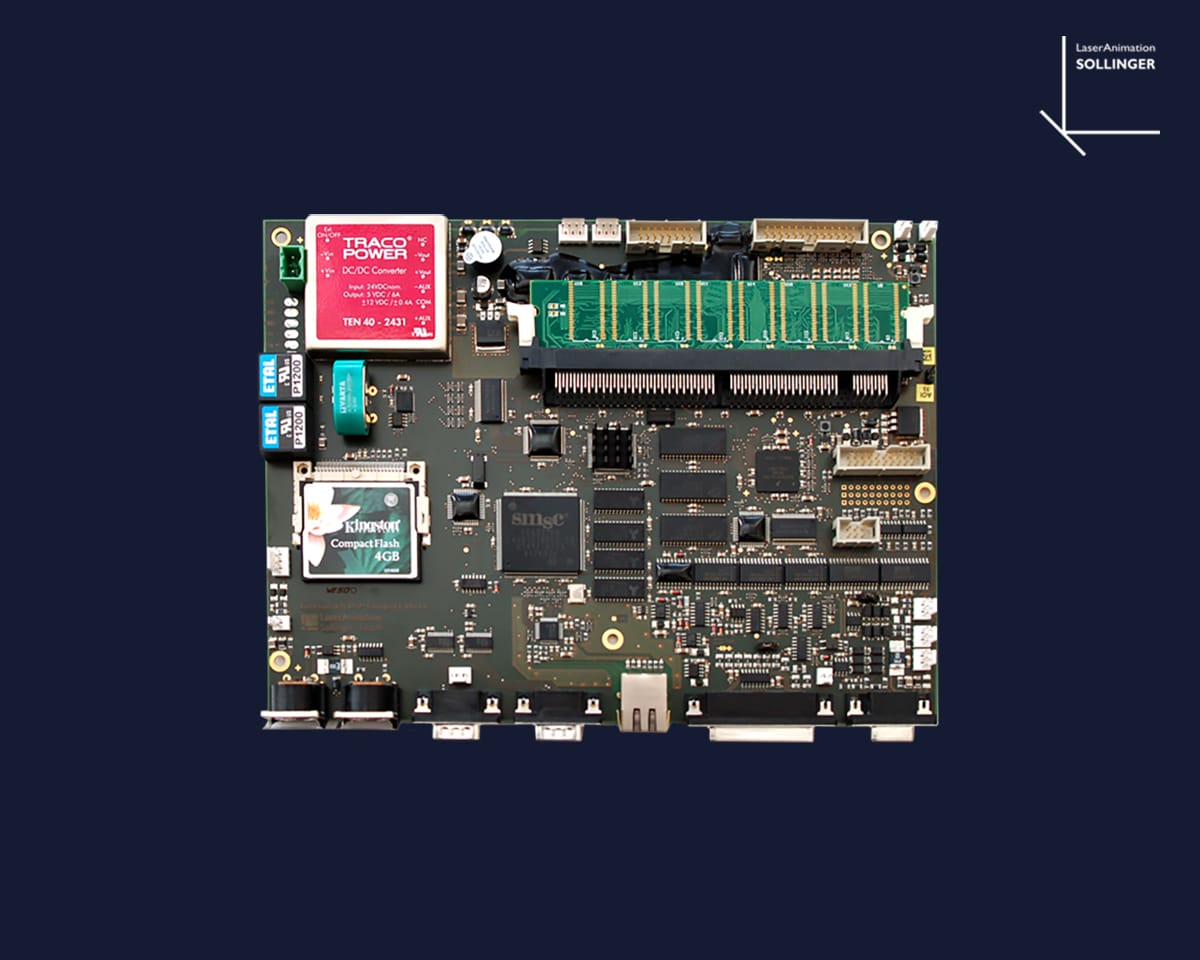
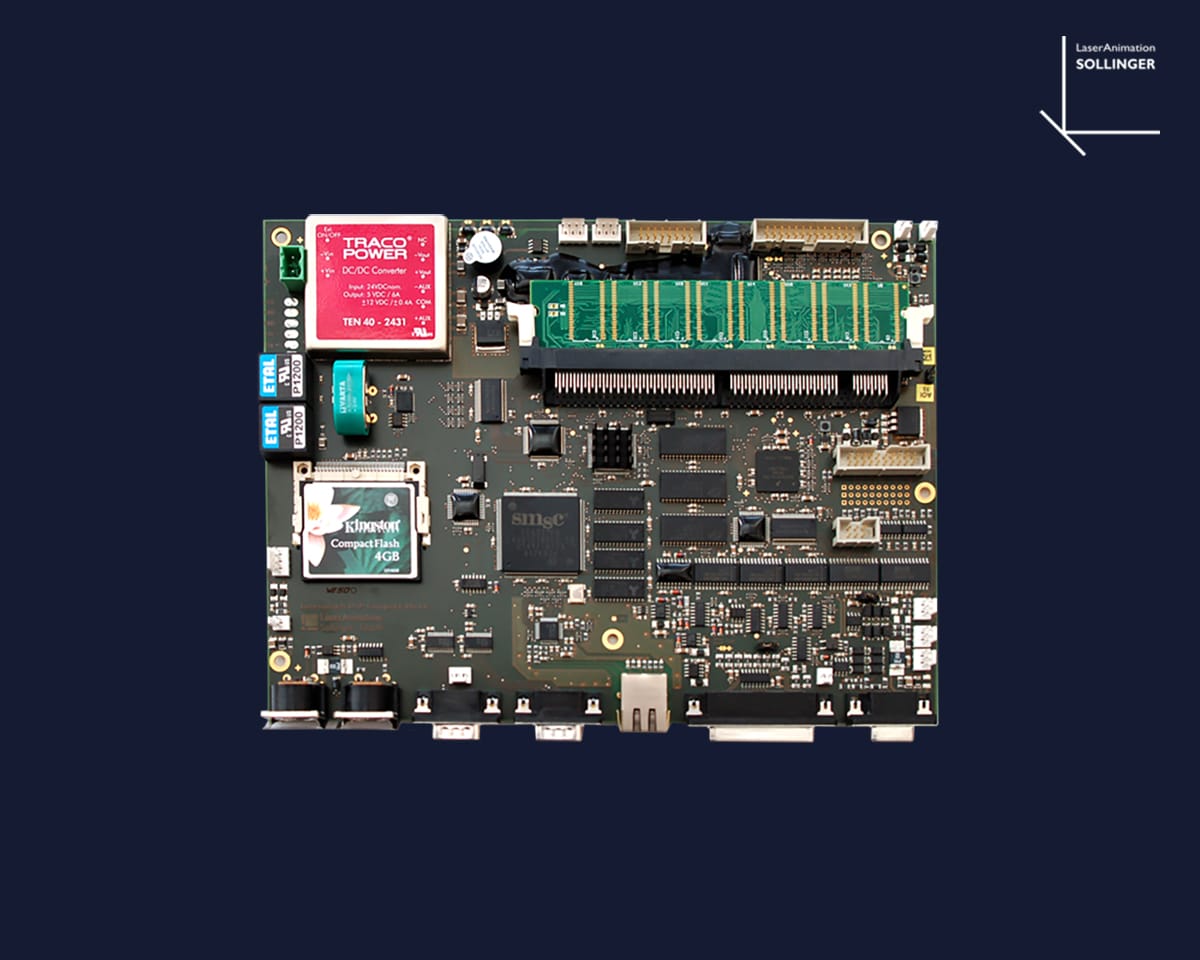
The projector features the integrated intelligent LaserAnimation Sollinger mainboard, giving the laser operator a wide range of control and setting options (e.g. via LA.toolbox) as well as transmission options such as AVB.


The housing dimensions of the PHAENON XD mini series are a very compact 37.5 x 29.1 x 22.3 cm. All models of the PHAENON XD mini series are also available in an IP65 housing.


The laser projectors of the PHAENON series have long been known in the industry for their outstanding quality and exceptional reliability.

They are also valued for their guaranteed safety and high ease of use. This makes them the first choice of numerous renowned companies in the events industry for extensive laser installations.


The laser projectors of the PHAENON XD series are delivered in a rugged flightcase.

Equipment

Guaranteed optical
output*
Minimum
power*
R
637 or 638 nm
G
532 or 525 nm
B
445 or 455 nm
Y
577
XD 18 19.5 W 17 W 4.8 8 8
XD 44 Y 45 W 41 W 13.2 16.1 15 5
* at laser module * at aperture
Control Modes
Control Modes
AVB / TSN interface for streaming ILDA data via Ethernet, AIFF player function, Stand-alone player, ILDA, DMX / ArtNET, Control software “LA.toolbox” for PC or Mac included
Scanner
Scanner
CT-6210 scanner with LaserAnimation's proven Turboscan XD driver electronics for excellent projection quality Scanning speed: 60 kpps at 8°, maximum projection angle: 80° (typically 50°), response time (2° opt. step): < 0.2 ms, aperture: 4,5 mm
Divergence
Divergence*
<0.5 mrad; XD 44 Y: 0,7 mrad mrad
Beam Specs
Beam Specs
4.5 mm; XD 44 Y: 5.0 mm
Dimensions
Dimensions
L 37,5 cm x W 29,1 cm x H 22,3 cm
Weight
Weight
22 kg
IP Rating
IP Rating
IP54
Scope of Delivery
Scope of Delivery
LA.toolbox, power cable, user manual, Interlock connector, key switch, flightcase
*FWHM average depending on model

Properties

  • Modular laser system featuring red and blue combined laser diode modules manufactured by LaserAnimation (patented combiner technology from Berlin), combined with green diodes and, additionally, yellow Coherent Genesis Taipan OPSL modules (model-dependent)
  • Integrated intelligent LaserAnimation Sollinger Mainboard
  • Control via “LA.toolbox” Software (included in delivery)
    • electronic mask
    • Color correction
    • DGC (Digital Geometric Correction)
    • Laser Disable
  • AVB / TSN interface for Streaming data via Ethernet
  • Motorized beam adjustment for an exact color overlay
  • CT 6210 scanner with proven TurboscanXD driver electronics
  • Dante2ILDA internal optionally available
  • DSP Mark2 resp. DSP Mark2 playback optionally available
  • Pangolin FB4 optionally available
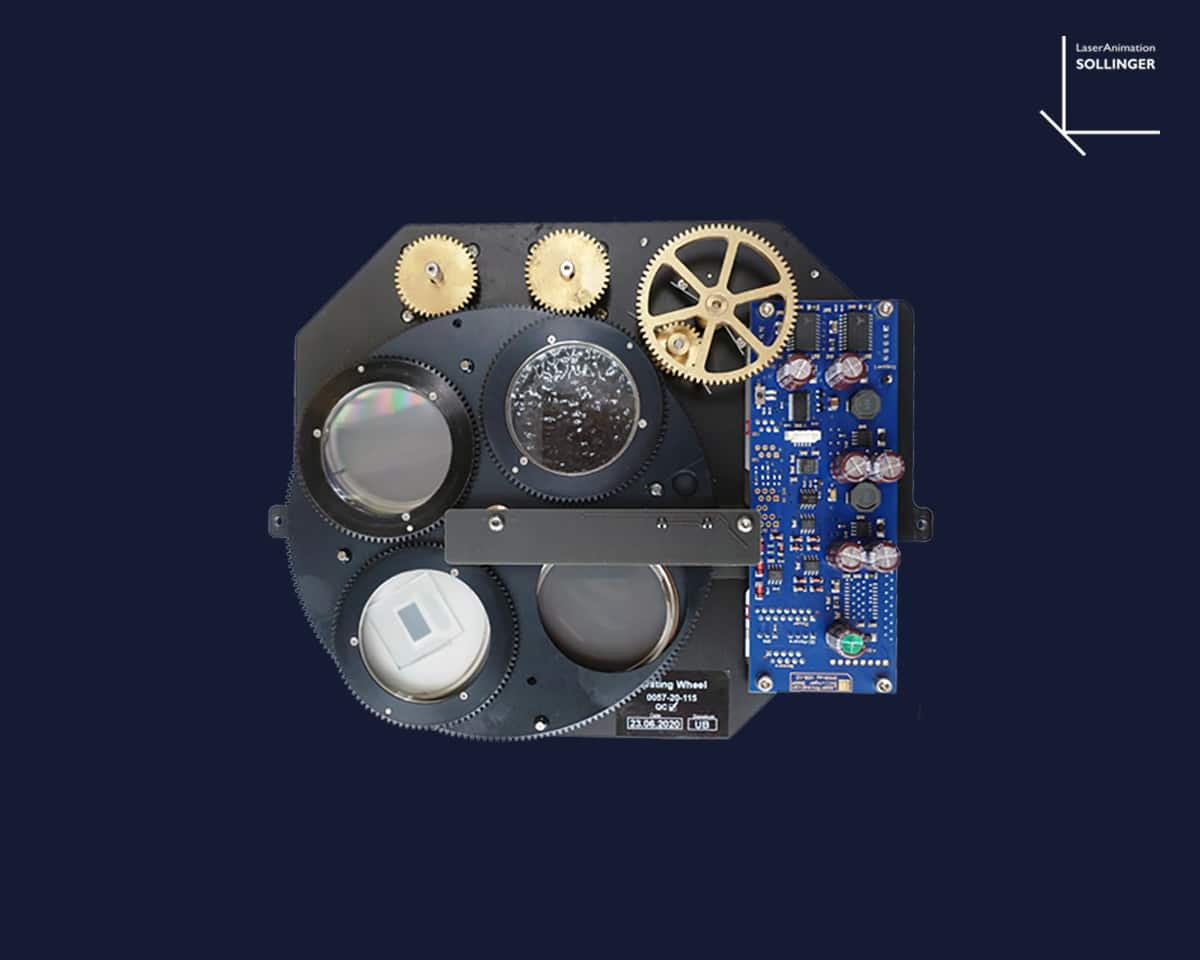
  • Grating module optionally available (6 gratings)
  • LA.brush optionally available
  • Flight case included

PHAENON Mainboard Product Details

Electronic mask
This important function allows limiting the laser output for certain areas. The intensity of the laser beam can be adjusted in a range from 0% to 100% for each individual shape created with the editor. This makes it possible to correctly protect specific scanning areas such as the auditorium or sectors with optical equipment (video beamers, cameras). The big advantage of this mask, which is configured in the projector, compared to a mask generated in the show controller is the fact that programming errors which may occur when a show is edited will not disable the mask.
Electronic mask Bild
Color correction
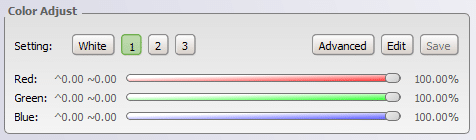
Via the integrated color correction, the color channels can be adjusted from 0% to 100% with a resolution of 24 bit. With “White” the power for each laser source is calculated and corresponds to True White D65. With the function “Advanced” delays of the diodes can be set with a resolution of 5.2 µs.
Color correction Bild
DGC Mapping
Digital Geometic Correction
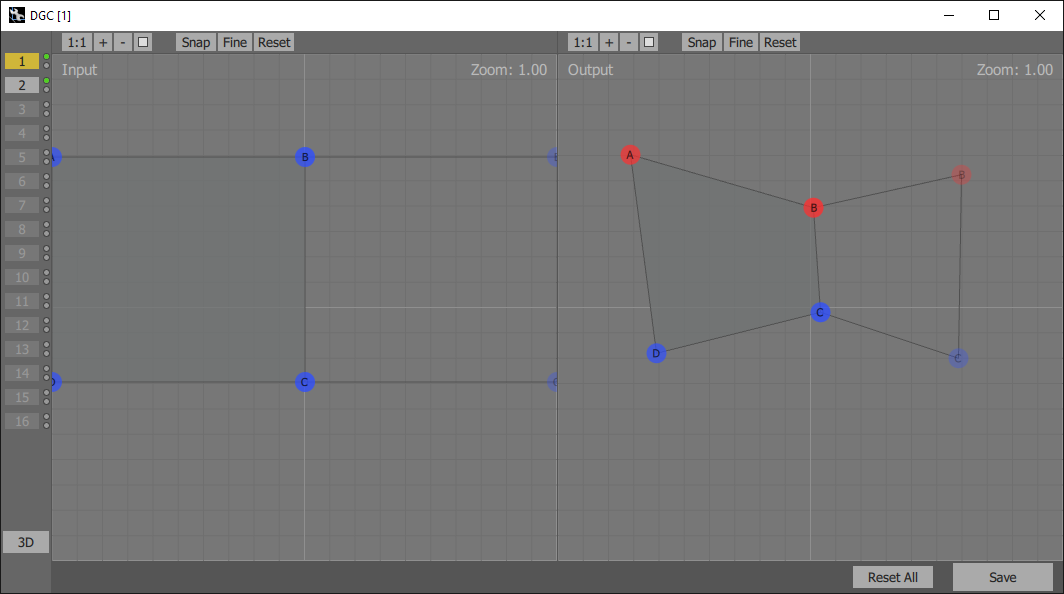
With Digital Geometric Correction, the projection image can be easily corrected and used for projectors or show controllers without integrated DGC. Sixteen different geometrical correction setups are available. For each setup the DGC Input and Output can be adjusted individually and the laser image can be corrected for projection on uncommen projection surfaces. For example: The projection surface is uneven and consists of two panels positioned at an angle. One half of the DGC Input has to be displayed on the left side of the uneven projection surface and the other half on the right side. First you choose which area of the DGC Input you want to display on the projection surface. Then, you correct the DGC Output so that the projection of the image is displayed correctly on the area of the projection surface.
DGC Mapping  Bild
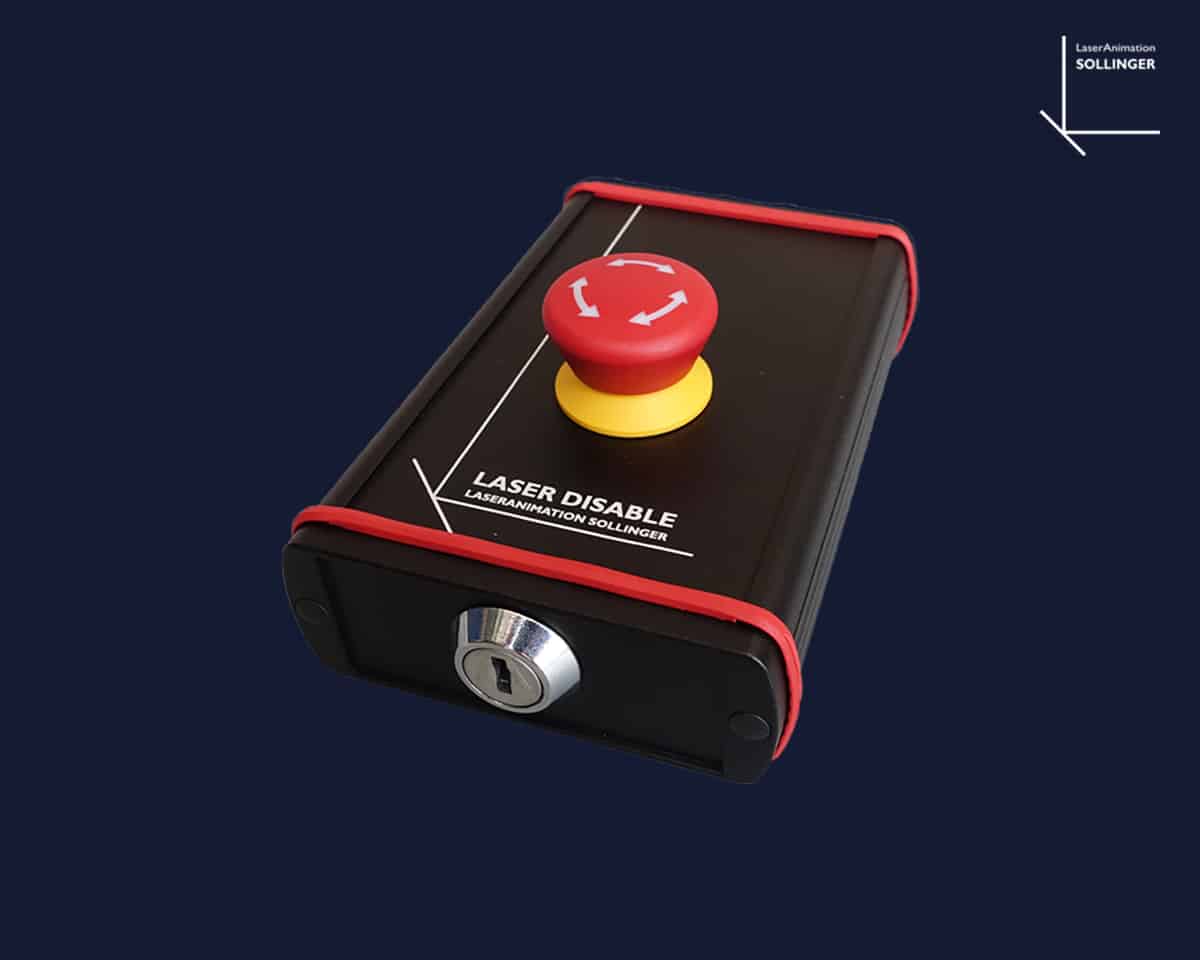
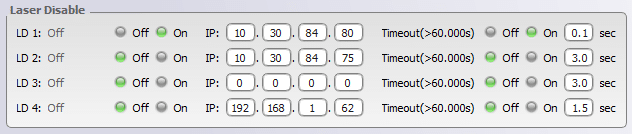
The Laser Disable Button is a special safety button to interrupt the laser output via Ethernet. The Laser Disable Button can be easily integrated into the network and configured. The status of up to four different Laser Disable Buttons can be monitored via the PHAENON settings.
Laser Disable Bild

Accessories and upgrades

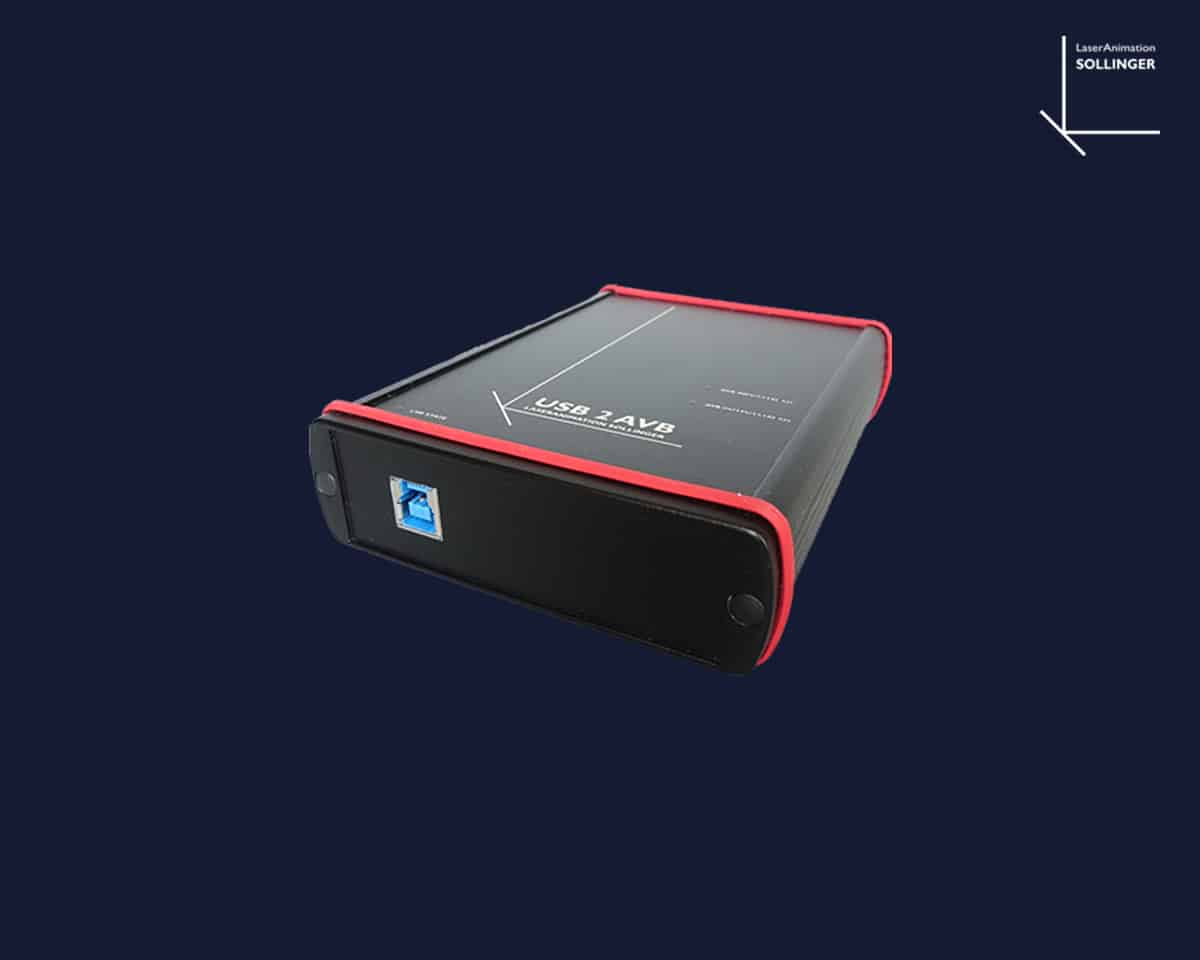
USB2AVB Bild
USB2AVB
Digital network protocol
DSP Mark 2 integrated Bild
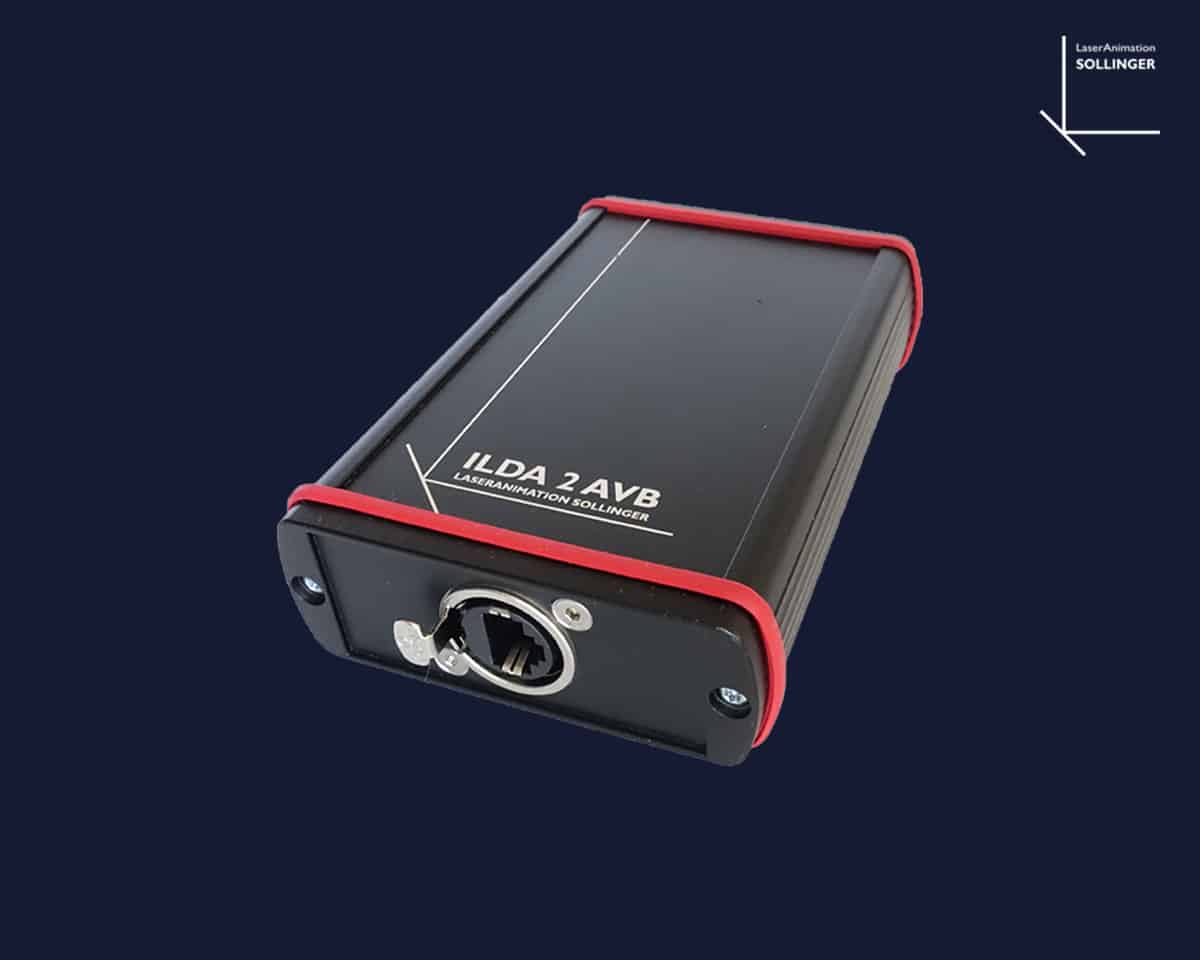
ILDA2AVB Bild
ILDA2AVB
Digital Network Protocol
Laser Disable Button LAN Bild
Laser Disable Button LAN
Safety button to stop the laser output
DSP Mark 2 playback integrated Bild
Grating Modul Bild
Grating Modul
For polar light and other laser effects
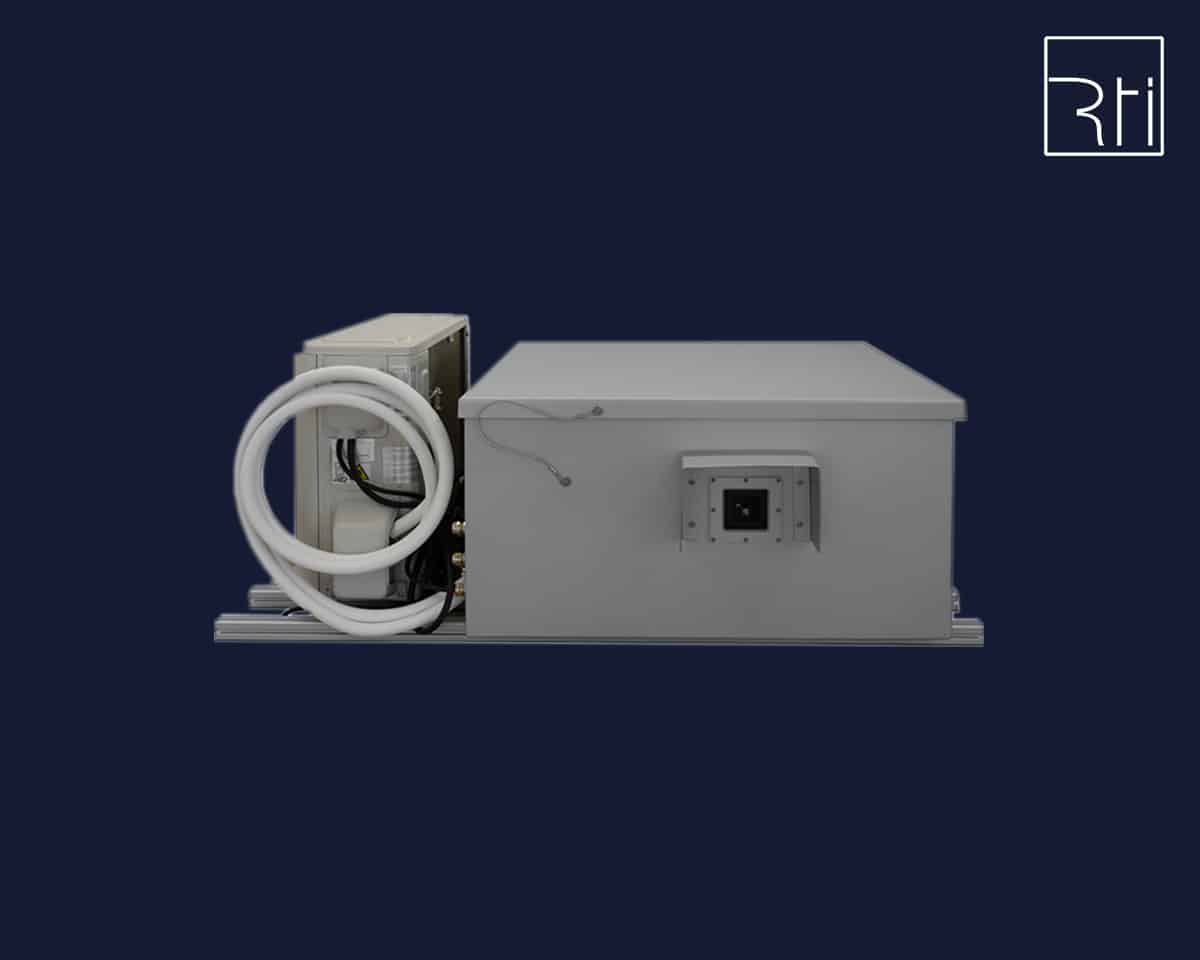
RTI COCOON Climate Housing Bild
RTI COCOON Climate Housing
Outdoor Climate Housing

LA.toolbox Software

With this intuitive software it is possible to control important functions of the laser projector and adjust operating values.
The LA.toolbox is available as a PC version and Mac version. Both are supplied with every laser projector and are also available for download.

All functions and parameters / diagnosis of multiple laser projectors can be controlled by one “LA.toolbox” via ethernet. For laser safety the ‘Disable All’ button is integrated to the user interface. The laser output for all connected laser devices is switched off immediately when clicking this button.
For PHAENON X projectors the full functionality of the software is available. For all “Basic” projectors (BLITZ, BLIZZARD, PHAENON) less functions are available.
For all adjustments of the projection an internal test picture can be used in the projection menu. All settings concerning the projection
  • horizontal, vertical size
  • inversion
  • position offset
  • keystone correction and rotation
  • can be exactly adjusted with sliders in the clearly laid out “Projection” menu and saved in 3 different transformation settings.
A timer can be used to switch the state of the laser at a predefined time. For instance the laser can switch from “Run” to “Standby” mode. Drop down menus are used to set the state which the laser is to switch to when a timer triggers as well as the date or date range (from/to), time of day and day of the week. Up to 6 timers can be configured.
All 6 ILDA channels are scalable from 0% to 100% to achieve the best possible white balance. Up to 4 color settings can be saved and called up. The ILDA signals ‘Interlock’ and ‘Intensity’ are evaluated.
Four laser statuses can be selected for laser operation: “Shutdown” I “Standby” I “Test 10%” I “Run”. In the “Shutdown” mode the drivers are deactivated and the temperature control is inactive. This saves considerable amounts of energy. In “Standby” there is no current to the laser sources, which also saves energy. However, in contrast to “Shutdown” their operating temperature is maintained. This has the advantage that switching from “Standby” to “Run” is possible much more quickly. One advantageous option is the automatic “Shutdown” resp. “Standby” function. This switches the laser into the corresponding operating mode in case no ILDA signal is present for a specific adjustable period of time (for instance at the end of a show). The device will use less electricity and cool off better.
Ambient temperature, heat sink temperature, internal and dew point temperature, relative humidity as well as fan voltage are clearly displayed.

The states of all laser sources can be monitored, the power can be scaled and the behavior of the laser with a small modulation signal can be adapted slightly through the “Bias Offset”. This setting allows the best possible adjustment of the effective soft blanking of the Lasergraph DSP.

The states of all laser sources can be monitored, the power can be scaled and the behavior of the laser with a small modulation signal can be adapted slightly through the “Bias Offset”. This setting allows the best possible adjustment of the effective soft blanking of the Lasergraph DSP.

With this new safety technology we give users the option to use a graphics editor to flexibly define protected areas in a laser projection. The editor can be used in way similar to a vector based graphics program to create a mask from geometric shapes (polygons, circles and rectangles). Safety parameters can then be defined individually for each of these shapes.

Two different mask functions are available:
1. Electronic Mask This important function allows limiting the laser output for certain areas. The intensity of the laser beam can be adjusted in a range from 0% to 100% for each individual shape created with the editor. This makes it possible to correctly protect specific scanning areas such as the auditorium or sectors with optical equipment (video beamers, cameras). The big advantage of this mask, which is configured in the projector, compared to a mask generated in the show controller is the fact that programming errors which may occur when a show is edited will not disable the mask.
2. Safety Mask For safety reasons every laser projector is equipped with a scanner safety circuit to protect the audience. This mechanism determines the sum of the scanner velocities for the horizontal and vertical deflection of the beam and compares this to the predefined minimum speed. In case the beam velocity is below the minimum or if the beam is completely motionless this safety mechanism will block the laser beam.

For allowing beam effects with a stationary beam anyway in areas where the audience is not at risk, for instance below the ceiling, the “Safety Mask” can be used to graphically define several areas where a static beam will be possible, see picture. (Up to now only one rectangular safety area could be defined.)

The Phaenon X laser projectors are equipped with a motorized beam adjustment for superposing the beams. This internal component allows an easy and comfortable adjustment of the beam superposition. This is a big advantage of the Phaenon X projectors which users will certainly appreciate.
The position of the individual beams can change over time when the projectors are frequently transported, set up and taken down again. Until now the beams could only be adjusted using the small adjustment screws on the side of the device. In everyday use the projectors are often already installed in a stage setup, e.g. attached to a truss high up, when the laser is turned on and the beam misalignment is discovered. This used to mean the laser had to be taken down again for adjustment. This considerable effort is no longer necessary using the “Beam Adjust” of the LA Toolbox Software.
An optionally integrated grating module can be controlled over DMX or manually with the “Grating Wheel Settings”.
Up to 4 settings can be saved. The DMX base address can easily be configured using the software.
 Bild

Watch the Animation of the LA.toolbox Software

On the way to the world. Your new laser projector.

Chat

Contact us directly through our live chat using the chat logo on the bottom left screen corner.

E-Mail

If you have any questions, you can send us an email at any time.

Phone

We would be happy to help you
by phone.
To top
0%